
Blog Software vs Content Management Systems: A Practical Comparison
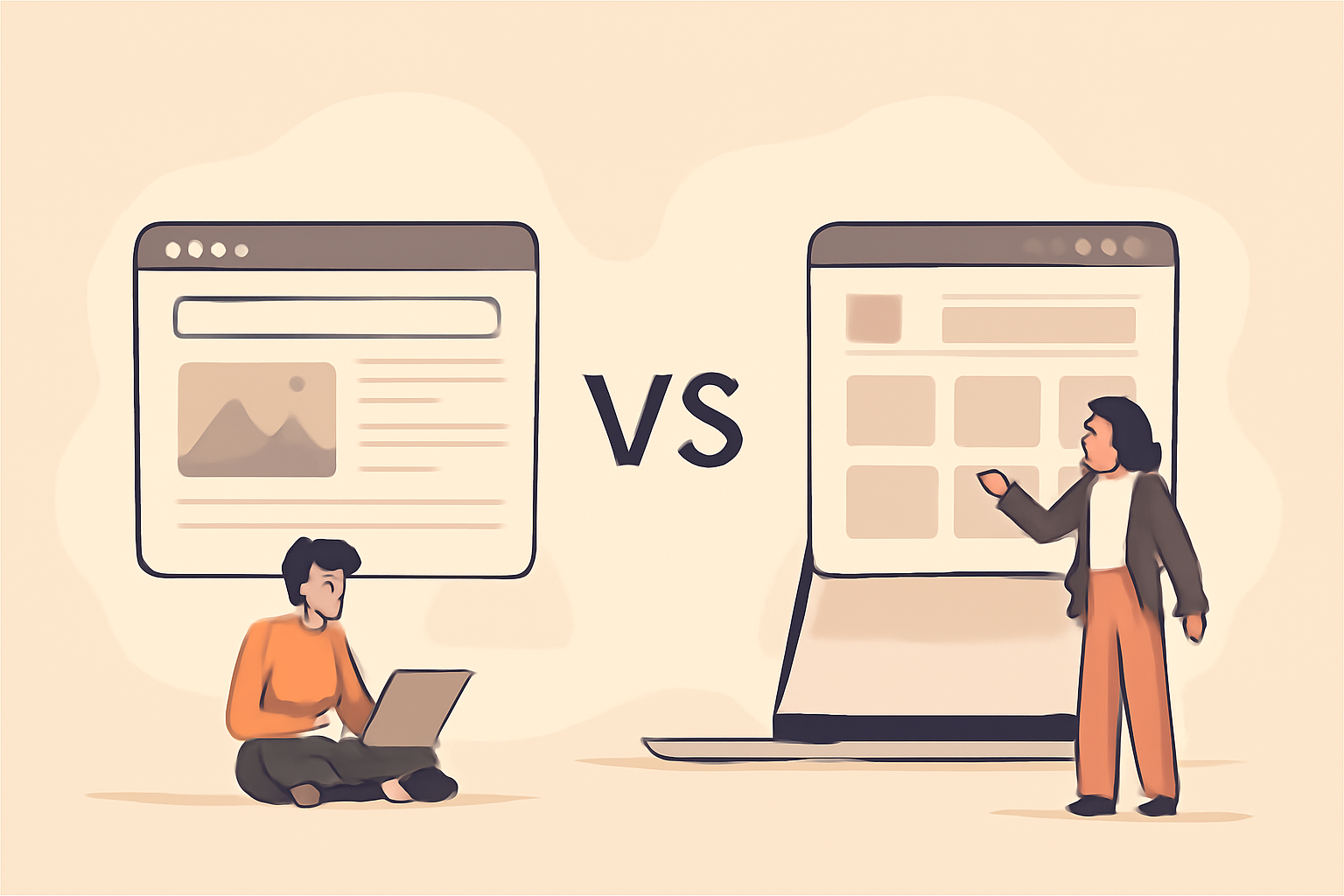
In the digital landscape, choosing the right platform for your content can significantly influence your online success. Both blog software and content management systems (CMS) provide unique functionalities tailored to different needs, but how do you know which one is right for you? This comparison will help clarify the distinctions, advantages, and trade-offs between these two options.
Whether you're a small business owner looking to enhance your online presence or a content creator aiming to streamline your publishing process, understanding the nuances of blog software and CMS can empower you to make informed decisions. Let's dive into the details!
Table of Contents

Understanding Blog Software
Blog software is typically designed with a singular focus on blogging, featuring tools that simplify the writing, editing, and publishing processes. These platforms often have user-friendly interfaces and are ideal for individuals or businesses that primarily want to share content through articles and blogs. They cater specifically to the needs of bloggers, providing a streamlined experience that allows users to focus on creating engaging content without the complexities often associated with broader content management systems.
Key Features of Blog Software
- Simple user interface for easy content creation
- Built-in SEO tools for optimizing blog posts
- Customizable themes to enhance visual appeal
- Social media integration for sharing content
- Basic analytics to track performance
Benefits of Using Blog Software
Choosing blog software comes with distinct advantages that can significantly enhance your blogging experience. Here are some key benefits to consider: blog software onboarding issues.
- Focus on Content Creation: Blog software is specifically tailored for writing and publishing, allowing you to concentrate on crafting quality posts without distractions from unrelated features.
- Time Efficiency: With straightforward publishing tools, you can quickly create and publish content, making it easier to maintain a consistent posting schedule.
- Community Support: Many blog software platforms have dedicated user communities, providing forums for support, tips, and shared experiences that can help you grow as a blogger.
- Cost-Effectiveness: Many blogging platforms offer free or low-cost options, making them accessible for individuals and small businesses looking to establish an online presence without a significant financial investment.
Common Mistakes to Avoid When Using Blog Software
While blog software can simplify the blogging process, there are common pitfalls that users should be aware of:
- Neglecting SEO Best Practices: Even with built-in SEO tools, it's crucial to stay informed about SEO best practices. Failing to optimize your posts can hinder your visibility in search engines.
- Ignoring Mobile Optimization: Many readers access blogs via mobile devices. Ensure your chosen blog software offers responsive themes that provide a good user experience on all devices.
- Overcomplicating Design: While customization is a great feature, too many design elements can distract readers. Aim for a clean, professional look that enhances readability.
- Forgetting to Engage: Blogging is not just about posting content; it's also about building a community. Engage with your readers through comments and social media to foster a loyal audience.
Examples of Popular Blog Software
Here are a few popular blog software options that cater to different needs and preferences:
- WordPress: The most widely used blog software, WordPress offers extensive customization options, a plethora of plugins, and strong community support.
- Blogger: A straightforward platform ideal for beginners, Blogger provides easy setup and integration with Google services, making it a good choice for casual bloggers.
- Wix: Known for its drag-and-drop interface, Wix allows users to create visually appealing blogs without needing technical skills, perfect for those focused on design.
- Medium: A platform that emphasizes quality writing and community engagement, Medium is great for writers looking to reach a built-in audience.
Choosing the Right Blog Software for Your Needs
When selecting blog software, consider the following factors to ensure it aligns with your blogging goals:
- Purpose: Define what you want to achieve with your blog. Are you looking to build a personal brand, share expertise, or generate revenue? Your goals will influence your choice.
- Technical Skill Level: Assess your comfort with technology. Some platforms are more user-friendly than others, so choose one that matches your skill level.
- Customization Needs: Determine how much customization you want. If you have specific design ideas, ensure the software supports those options.
- Budget: Consider your budget for blogging. Some software offers free plans, while others may require subscriptions or one-time payments for premium features.
In conclusion, understanding blog software is essential for anyone looking to establish a successful blogging presence. By focusing on the unique features, benefits, and potential pitfalls of these platforms, you can make an informed decision that aligns with your goals and enhances your blogging journey.
Understanding Content Management Systems (CMS)
Content management systems, on the other hand, cater to a broader range of content types. They allow users to create, manage, and modify content on their websites without the need for specialized technical knowledge. CMS platforms can host blogs, but they also support web pages, e-commerce sites, and more. This versatility makes them a popular choice for businesses looking to establish a comprehensive online presence.
Key Features of Content Management Systems
- Comprehensive content management capabilities
- Advanced user permissions and roles for team collaboration
- Robust plugins and extensions for added functionality
- Enhanced security features for content protection
- Scalability to grow with your business
Comprehensive Content Management Capabilities
CMS platforms enable users to manage various types of digital content seamlessly. This includes not just blog posts, but also images, videos, and downloadable resources. Users can easily create new pages, edit existing content, and organize materials into categories or tags, enhancing the overall user experience. For example, WordPress, a leading CMS, offers a straightforward editor that allows for drag-and-drop functionality, making it easy to format and style content without coding knowledge.
Advanced User Permissions and Roles
In a business setting, it's common to have multiple team members working on content. A CMS allows you to set up different user roles, such as administrators, editors, and contributors, each with specific permissions. This means you can control who can publish content, edit existing posts, or manage site settings. For instance, you might want to give your marketing team the ability to create and edit blog posts while restricting access to critical site settings to a select few administrators. This not only streamlines the workflow but also enhances security.
Robust Plugins and Extensions
One of the standout features of many CMS platforms is their extensive library of plugins and extensions. These tools can add functionality to your site without requiring additional coding. For example, you can integrate SEO tools, social media sharing buttons, or e-commerce capabilities with just a few clicks. When choosing a CMS, consider the ecosystem of available plugins. For instance, WordPress boasts thousands of plugins, allowing businesses to customize their sites to meet specific needs, from analytics tracking to customer relationship management.
Enhanced Security Features
Security is a crucial aspect of any online presence, and a good CMS will offer robust security features to protect your content. This includes regular updates to patch vulnerabilities, secure login options, and backup solutions. For instance, many CMS platforms provide two-factor authentication and automatic backups, ensuring that your data remains safe even in the event of a cyber attack. It's essential to keep your CMS and its plugins updated to mitigate risks effectively.
Scalability to Grow with Your Business
As your business expands, your website needs to adapt to increased traffic and content. A well-chosen CMS can scale alongside your growth. Look for platforms that can handle larger databases, more users, and increased content without sacrificing performance. For example, platforms like Drupal are known for their ability to manage large-scale websites, making them suitable for businesses anticipating significant growth. Always check the scalability options of a CMS before committing to ensure it can meet your future needs.
Common Mistakes to Avoid When Using a CMS
- Neglecting Updates: Failing to update your CMS and plugins can expose your site to security vulnerabilities.
- Poor User Role Management: Not setting appropriate user roles can lead to unauthorized changes or content being published prematurely.
- Ignoring SEO Best Practices: Even with a CMS, you must implement SEO strategies to ensure your content is discoverable.
- Overloading with Plugins: Too many plugins can slow down your site and create conflicts. Choose only those that add real value.
- Not Backing Up Regularly: Always have a backup strategy in place to recover from any data loss or corruption.
By understanding these features and common pitfalls, you can leverage a CMS effectively to build a robust online presence that aligns with your business goals. Whether you're running a simple blog or a complex e-commerce site, the right CMS can streamline your processes and enhance your content management capabilities.

Comparative Analysis
| Feature | Blog Software | Content Management Systems |
|---|---|---|
| Ease of Use | Highly user-friendly, suitable for beginners. Most blog software options offer intuitive interfaces with drag-and-drop features, making it easy for users to create and publish content without technical knowledge. For example, platforms like WordPress.com allow users to set up a blog in minutes with guided tutorials and simple navigation. | Can have a steeper learning curve, especially for advanced features. While many CMS platforms like WordPress.org provide extensive documentation and community support, users may find themselves overwhelmed by the multitude of options available. It's advisable to invest time in learning the basics through online courses or tutorials to maximize the platform's capabilities. |
| Content Types | Primarily focused on blog posts. Blog software is designed with the primary goal of facilitating blogging, which means it excels in features like post scheduling, tagging, and commenting. However, it may not support advanced content types such as portfolios or product listings. If you only need to share articles and updates, this may be sufficient. | Supports various content types (blogs, pages, e-commerce). CMS platforms are versatile, allowing users to create not just blog posts but also static pages, galleries, and e-commerce stores. For instance, Shopify is a CMS that specializes in e-commerce, while WordPress can be customized to handle a variety of content types. This flexibility makes CMS a better choice for businesses looking to expand their online presence. |
| Customization | Limited customization options. While blog software typically offers a selection of themes and basic layouts, the ability to modify the design or functionality is often restricted. Users may be limited to predefined templates, which can affect branding and user experience. It's essential to choose a platform that offers sufficient templates to suit your style. | Extensive customization through plugins and themes. CMS platforms like WordPress allow users to install thousands of themes and plugins to enhance functionality and design. For example, users can add e-commerce capabilities, SEO tools, or social media integrations with just a few clicks. However, too much customization can lead to performance issues, so it's wise to choose only necessary plugins and ensure they are regularly updated. |
| SEO Tools | Basic SEO features included. Most blog software provides fundamental SEO tools such as meta tags, basic analytics, and sitemap generation. For example, platforms like Blogger offer simple settings for SEO, but they may not provide in-depth analytics or advanced features like schema markup. | Advanced SEO capabilities through plugins. CMS platforms excel in SEO with the help of plugins like Yoast SEO or All in One SEO Pack. These tools provide comprehensive features such as keyword optimization, readability analysis, and social media previews. To fully utilize these capabilities, users should familiarize themselves with SEO best practices and consider conducting regular audits to improve their site's performance. |
| Analytics | Basic performance tracking. Blog software typically includes simple analytics that show page views and visitor counts. However, this data may not be sufficient for users looking to analyze traffic sources or user behavior. Users can enhance their analytics by integrating tools like Google Analytics, but this may require additional setup. | Comprehensive analytics and reporting tools. CMS platforms often come with built-in analytics or allow easy integration with advanced tools. Users can track user engagement, conversion rates, and more detailed metrics. For example, platforms like WordPress can seamlessly integrate Google Analytics, enabling users to create custom reports that provide insights into their audience's behavior, which is crucial for optimizing content strategy. |
Trade-offs and Considerations
When deciding between blog software and a CMS, it's essential to weigh the trade-offs based on your specific needs. If your primary goal is to share blog content and you value simplicity, blog software may be the best fit. However, if you foresee your website expanding into various content formats or require more robust functionality, a CMS could be the more suitable option.
Scenarios to Consider
- Small Business Owners: If you need a straightforward way to share updates and engage customers, blog software might suffice.
- E-commerce Stores: If you're looking to integrate a blog with product pages, a CMS will provide the necessary flexibility.
- Content Creators: For those who want to experiment with different content types and formats, a CMS is likely the better choice.
Which Option Fits You?
To help you choose the right platform, consider these questions:
- What type of content do you plan to create? If it's solely blog posts, blog software could be ideal.
- Do you require advanced features and scalability? Opt for a CMS for future growth.
- How comfortable are you with technology? Blog software is generally easier for beginners.
In addition to these questions, it's essential to evaluate your long-term goals and the specific needs of your business. Here's a more in-depth look at each consideration to help you make a more informed decision.
1. Type of Content
Understanding the type of content you want to produce can significantly influence your choice. Here are some types of content to think about:
- Blog Posts: If your primary focus is on writing articles, tutorials, or personal stories, blog software like WordPress or Blogger can provide a straightforward approach. These platforms are designed with blogging in mind, offering easy publishing tools and templates.
- Multimedia Content: If you plan to include videos, podcasts, or infographics, consider a CMS like WordPress or Joomla. These platforms support various media types and have plugins to enhance functionality.
- E-commerce: If you want to sell products or services directly through your blog, a CMS is your best bet. Platforms like Shopify or WooCommerce (a plugin for WordPress) offer robust e-commerce features that blog software typically lacks.
2. Advanced Features and Scalability
As your business grows, your website may need to evolve. Here's how to evaluate your current and future needs:
- Traffic Growth: If you anticipate a significant increase in traffic, a CMS can handle larger volumes of visitors more efficiently than basic blog software. Look for features like caching, database optimization, and load balancing.
- Customization: A CMS offers extensive customization options through themes and plugins. This flexibility allows you to tailor your site's functionality and design as your brand develops.
- Integration: Consider whether you need to integrate with other tools, such as email marketing services, analytics platforms, or social media. CMS platforms often have built-in integrations or plugins that make this process smoother.
3. Comfort with Technology
Your level of technical expertise should guide your platform choice:
- Beginners: If you're new to website creation, blog software may be more user-friendly. Platforms like Wix or Squarespace offer drag-and-drop features that simplify the design process.
- Intermediate Users: If you have some technical knowledge, a CMS like WordPress can provide a balance of ease and functionality. Familiarize yourself with basic HTML and CSS to fully leverage its capabilities.
- Advanced Users: If you're comfortable with coding and web development, a CMS offers the most flexibility. You can create custom themes, develop plugins, and optimize your site for performance.
4. Budget Considerations
Cost is a vital factor when choosing between blog software and CMS:
- Blog Software: Many blog platforms are free or low-cost, with basic features included. However, premium features may require additional fees.
- CMS: While some CMS platforms are free, you may incur costs for hosting, premium themes, and plugins. Evaluate the total cost of ownership to ensure it fits your budget.
5. Common Mistakes to Avoid
When choosing between blog software and a CMS, here are some pitfalls to avoid:
- Ignoring Future Needs: Don't just focus on your current requirements; think about where you want to be in a few years. Choosing a scalable solution from the start can save you time and hassle later.
- Underestimating Learning Curves: If you opt for a CMS, be prepared for a steeper learning curve. Allocate time for training or consider hiring a professional to help with setup.
- Neglecting SEO Features: Ensure that whichever platform you choose has built-in SEO capabilities or supports SEO plugins. This is crucial for driving organic traffic.
By carefully considering these factors, you'll be better equipped to choose the platform that not only meets your current needs but also supports your growth as a business owner. Take the time to assess your options, and don't hesitate to seek advice or consult with professionals to ensure you make the best decision for your unique situation.
Conclusion
Choosing between blog software and a content management system boils down to your specific needs and future aspirations. If you're focused on a simple blogging experience, blog software will likely serve you well. On the other hand, if you envision a comprehensive online presence that includes various content types, investing in a CMS would be more beneficial. Take the time to assess your goals, and remember that the right choice today can pave the way for significant blogging experience improvements tomorrow.
Assessing Your Needs
Before making a decision, it's crucial to evaluate your current and future needs. Here are some steps to help you assess your requirements:
- Define Your Goals: Are you planning to share personal stories, promote a business, or create a portfolio? Clearly outline what you want to achieve with your blog.
- Consider Your Audience: Who are you writing for? Understanding your target audience can help determine the features you need.
- Evaluate Content Types: Will your blog primarily consist of text, or do you plan to incorporate images, videos, and other media? A CMS is typically better suited for diverse content types.
- Think About Growth: Do you anticipate expanding your blog into a larger site with more functionalities? If so, a CMS may provide the scalability you need.
Common Mistakes to Avoid
When deciding between blog software and a CMS, be wary of these common pitfalls:
- Overlooking Future Needs: Choosing a platform based solely on current needs can lead to frustration if your blog grows beyond its capabilities.
- Ignoring User Experience: Ensure that the platform you choose is user-friendly, both for you and your readers. Complicated interfaces can deter engagement.
- Underestimating Maintenance: CMS platforms often require ongoing maintenance and updates. Be prepared for the time commitment involved.
- Neglecting SEO Considerations: Not all platforms are built with SEO in mind. Make sure the software you choose supports your SEO efforts to maximize visibility.
Next Steps
Once you've made your decision, here are some actionable steps to get started:
- Research Platforms: Look into various blog software and CMS options. Read reviews and compare features to find the best fit.
- Set Up a Test Environment: If possible, create a test blog or website to explore the functionalities of your chosen platform before fully committing.
- Plan Your Content Strategy: Outline your content calendar, including topics, formats, and publishing frequency to keep your blog organized and consistent.
- Implement SEO Best Practices: Regardless of the platform, ensure you're familiar with SEO strategies to help your blog rank well in search engines.
Ultimately, whether you choose blog software or a content management system, the key is to align your choice with your long-term vision. A thoughtful decision today can lead to a more successful blogging journey tomorrow.
Want to get free traffic from Google & ChatGPT? Click the button to learn more about how we can do that for you on autopilot!
Learn More