
How to Automate SEO Workflows for Shopify in 7 Steps
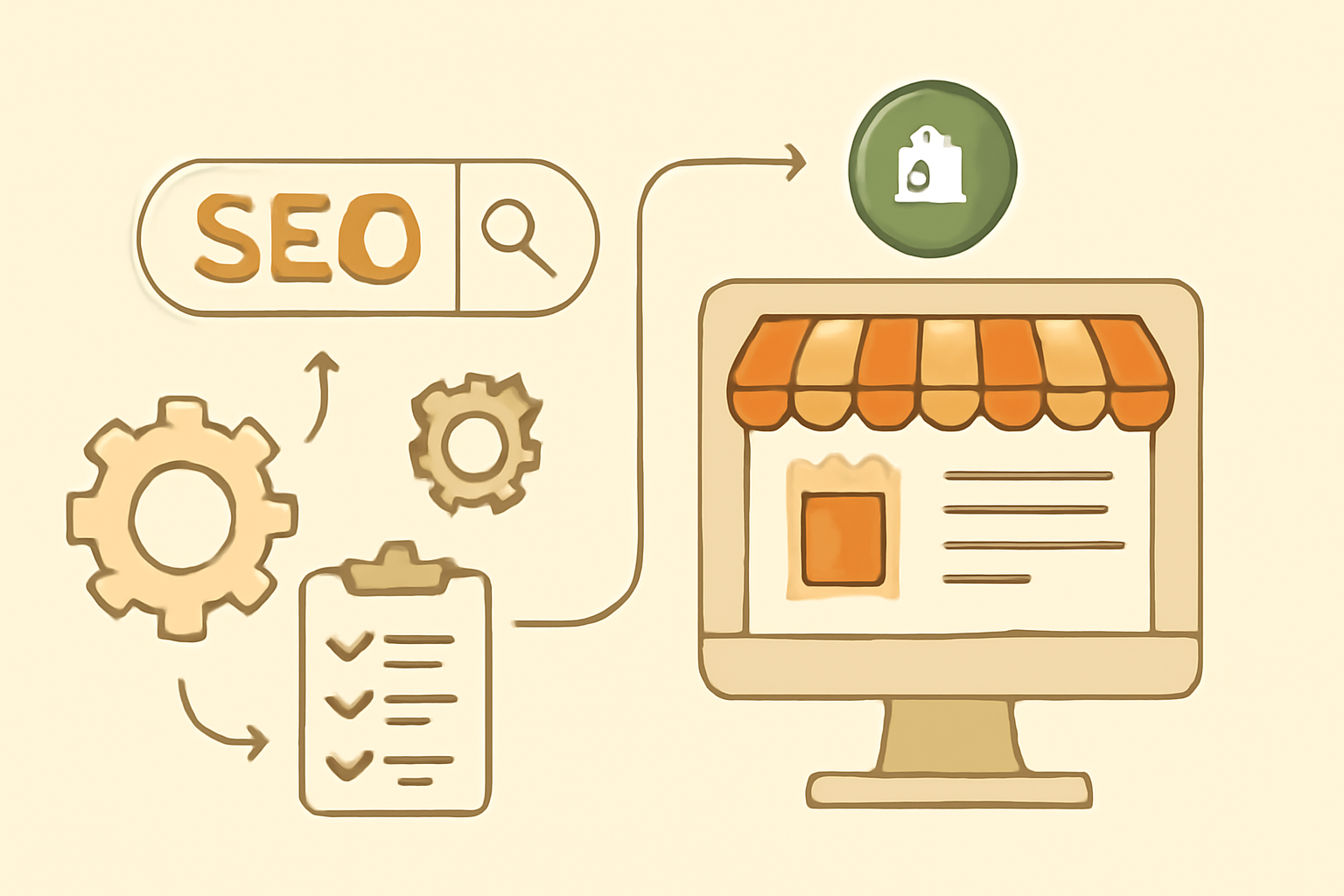
In the fast-paced world of e-commerce, efficiently managing your SEO tasks can make a significant difference in your Shopify store's visibility. Automating SEO workflows not only saves you time but also enhances your ability to generate organic traffic. This guide will walk you through the necessary steps to set up automated SEO processes that can drive more customers to your store.
From optimizing product pages to generating content, we'll cover all the essential aspects you need to consider. By the end of this guide, you will have a clearer understanding of how to leverage automation to boost your Shopify traffic solutions effectively.
Table of Contents

Step 1: Identify Your SEO Goals
Before diving into automation, it's crucial to clarify what you want to achieve with your SEO efforts. Are you looking to improve your search engine rankings, increase organic traffic, or enhance product visibility? Defining your goals will help you tailor your automation strategies accordingly. The Ultimate Guide to Shopify SEO for E-commerce Success.
To effectively identify your SEO goals, consider the following steps:
1. Analyze Your Current Performance
Start by reviewing your current SEO performance metrics. Use tools like Google Analytics, Google Search Console, or Shopify's built-in analytics to assess your website's traffic sources, bounce rates, and conversion rates. Look for trends in organic traffic over time and identify which products or pages are performing well and which are not.
- Traffic Sources: Determine how much of your traffic comes from organic search compared to other sources like social media or direct visits.
- Top-Performing Pages: Identify which pages are generating the most traffic and consider what makes them successful.
- Keywords Ranking: Check which keywords are currently driving traffic to your site and how they rank in search results.
2. Set Specific, Measurable Goals
Once you've analyzed your current performance, it's time to establish specific, measurable goals. Instead of vague objectives like "increase traffic," aim for clear targets like:
- Increase organic traffic by 30% over the next six months.
- Achieve a top 5 ranking for 10 targeted keywords within three months.
- Boost the conversion rate of product pages by 15% in the next quarter.
Using the SMART criteria (Specific, Measurable, Achievable, Relevant, Time-bound) can help you formulate these goals effectively.
3. Prioritize Your Goals
Not all SEO goals are created equal. Prioritize them based on your business needs and resources. For instance, if you have a new product launch coming up, enhancing product visibility might take precedence over improving overall traffic. Create a checklist of your goals and rank them:
- High Priority: Immediate actions that can lead to quick wins.
- Medium Priority: Goals that are important but can be addressed after high-priority tasks.
- Low Priority: Long-term goals that can be revisited later.
4. Consider Your Audience
Understanding your target audience is essential in setting realistic SEO goals. Conduct market research to identify your ideal customers' demographics, interests, and search behaviors. This information will guide your keyword selection and content strategy. Ask yourself:
- What problems are my customers trying to solve?
- What keywords are they likely to use when searching for my products?
- How can I create content that resonates with their needs and preferences?
5. Monitor and Adjust
Once your goals are in place, regularly monitor your progress. Use analytics tools to track key performance indicators (KPIs) related to your goals. If you're not seeing the desired results, don't hesitate to adjust your strategies. This might include:
- Refining your keyword strategy based on search trends.
- Updating your content to better meet your audience's needs.
- Experimenting with different automation tools to streamline your processes.
By continuously evaluating your goals and adjusting your strategies, you can ensure that your SEO efforts remain aligned with your business objectives.
In conclusion, identifying your SEO goals is a foundational step in automating your workflows for Shopify. By analyzing your current performance, setting specific and prioritized goals, understanding your audience, and monitoring progress, you can create a robust framework for your SEO automation efforts that drives real results.
Step 2: Use an AI SEO Content Generator
An AI SEO content generator can be a game-changer for creating optimized content quickly. These tools analyze search trends and competitor content to help you create articles, product descriptions, and blog posts that are more likely to rank well on search engines. Implementing this tool can streamline your content creation process.
Choosing the Right AI Tool
When selecting an AI SEO content generator, consider factors such as ease of use, integration capabilities with Shopify, and the quality of generated content. Ensure the tool can produce content that aligns with your brand voice and is optimized for Shopify search optimization.
Step 3: Optimize Your Product Pages
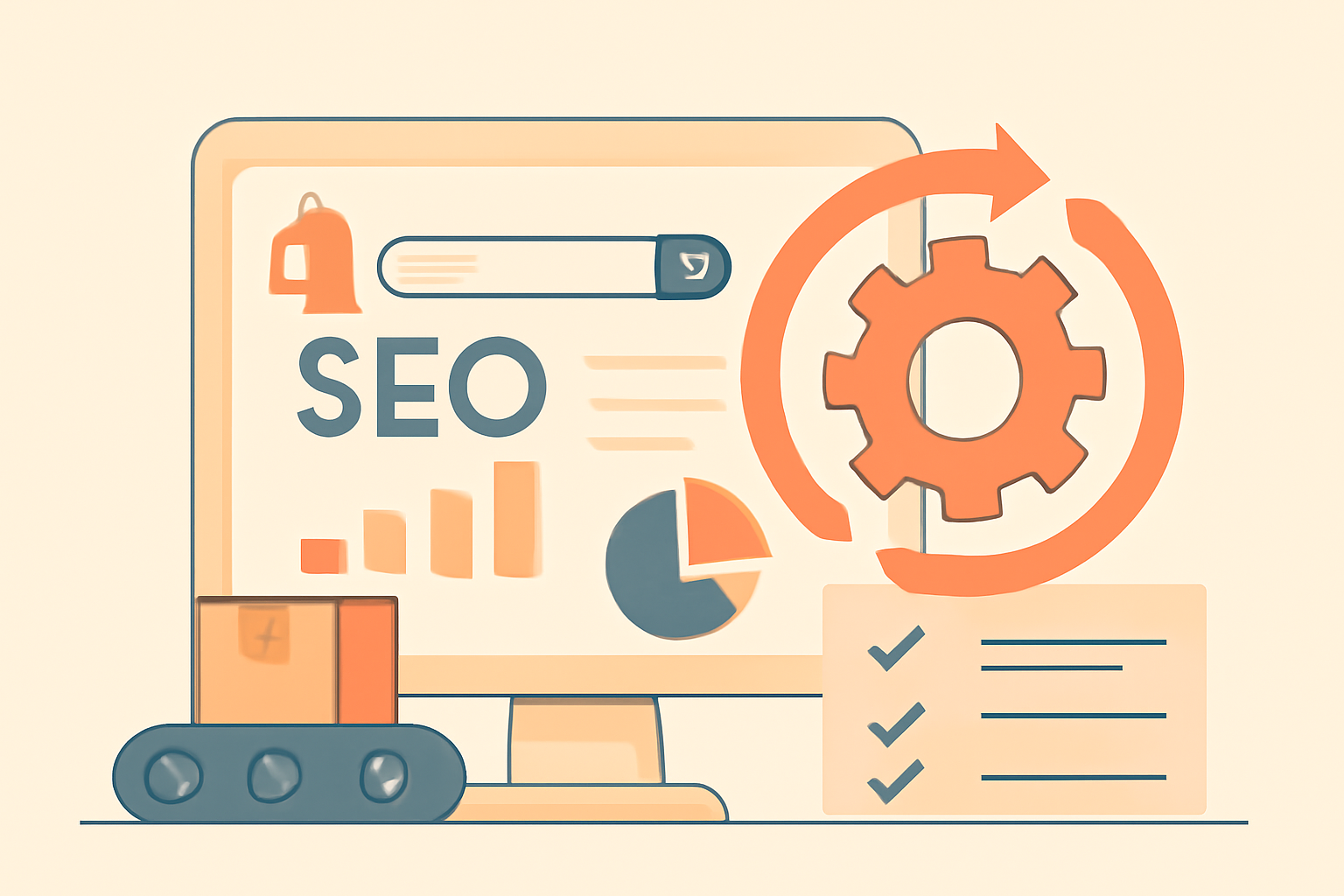
Your product pages are critical for both conversions and SEO. Automate the optimization of product titles, descriptions, and images to ensure they are search engine friendly. Use SEO tools that allow you to set templates for consistent optimization across your store.
Common Mistakes to Avoid
One common mistake is neglecting to update meta descriptions and alt texts for images. Make sure your automation includes these elements to improve visibility in search results.
Step 4: Implement Structured Data Markup
Structured data helps search engines understand your content better and can enhance your visibility through rich snippets. Automating the addition of structured data to your Shopify site can significantly improve your chances of ranking higher in search results.
Tools for Structured Data
Utilize tools like Schema.org or Google's Structured Data Markup Helper to generate the necessary code. Ensure your automation process includes regular checks for any errors in structured data implementation.
Step 5: Automate Backlink Monitoring
Building and maintaining backlinks is critical for SEO success. Automate your backlink monitoring to keep track of your link profile and identify new opportunities. Tools like Ahrefs or SEMrush can help streamline this process, allowing you to focus on other important aspects of your Shopify store.
How to Set Up Monitoring
Set up alerts for new backlinks and lost links, so you can take action promptly. Regularly review your backlink profile to ensure it remains healthy and relevant to your niche. Here's a step-by-step guide to effectively set up your backlink monitoring:
- Choose Your Tool: Start by selecting a backlink monitoring tool that fits your budget and needs. Ahrefs and SEMrush are popular choices, but there are also free options like Google Alerts or Ubersuggest.
- Create an Account: Sign up for the tool of your choice. Most tools offer a free trial, which can be a great way to test their features before committing.
- Input Your Domain: Enter your Shopify store's domain into the tool. This will allow the software to track backlinks specifically for your site.
- Set Up Alerts: Configure alerts for new backlinks and lost links. This is crucial for staying updated on your link profile changes. For example, in Ahrefs, you can set up email notifications for when you gain or lose backlinks.
- Regular Review Schedule: Establish a routine for reviewing your backlink profile-weekly or bi-weekly is recommended. This helps you catch any issues early and take necessary actions.
- Analyze Backlink Quality: Not all backlinks are created equal. Focus on acquiring links from reputable sites within your niche. Use your tool to assess the domain authority of the sites linking to you.
- Identify New Opportunities: Use your monitoring tool to discover new backlink opportunities. Look for sites that link to your competitors but not to you. Reach out to these sites with a compelling pitch to earn a backlink.
Common Mistakes to Avoid
While automating your backlink monitoring, be mindful of these common pitfalls:
- Ignoring Quality Over Quantity: It's tempting to focus on the number of backlinks, but prioritize quality links from authoritative sites.
- Neglecting Lost Links: Failing to monitor lost backlinks can harm your SEO. Make sure to address lost links by reaching out to the respective site owners or seeking alternatives.
- Infrequent Monitoring: Setting up alerts is just the beginning. If you don't regularly review your backlinks, you might miss critical changes.
- Not Updating Your Strategy: SEO is constantly evolving. Regularly reassess your backlink strategy based on the latest trends and algorithm updates.
Examples of Effective Backlink Monitoring
Here are a few examples of how businesses effectively automate their backlink monitoring:
- Case Study 1: A fashion e-commerce site used Ahrefs to track their backlinks and discovered they were losing links from a popular fashion blog. By reaching out to the blog owner, they were able to restore the link and improve their site's authority.
- Case Study 2: An online electronics retailer set up Google Alerts for their brand name and relevant keywords. They received notifications about new backlinks and were able to engage with bloggers who mentioned their products, leading to additional backlinks.
By automating your backlink monitoring, you can maintain a healthy link profile, seize new opportunities, and ultimately enhance your Shopify store's SEO performance. Regularly analyze and adjust your strategy based on the insights gained from your monitoring tools to stay ahead of the competition.
Step 6: Utilize SEO Reporting Tools
Automation isn't just about implementing changes; it's also about measuring results. Use SEO reporting tools to automate the collection of data related to your SEO performance. This will help you understand what's working and what needs adjustment. By leveraging these tools, you can save time while gaining valuable insights into your website's performance.
Key Metrics to Track
Focus on metrics like organic traffic, bounce rates, and keyword rankings. Regularly assess these metrics to inform your ongoing SEO strategies and make necessary adjustments. Here's a deeper look at each of these metrics:
- Organic Traffic: This metric indicates the number of visitors arriving at your Shopify store through search engines. Use tools like Google Analytics to track this data. Aim for a steady increase in organic traffic over time, and analyze which pages are driving the most visitors.
- Bounce Rate: The bounce rate measures the percentage of visitors who leave your site after viewing only one page. A high bounce rate may indicate that your content is not engaging or relevant. Regularly review this metric to identify pages that need improvement. Aim for a bounce rate below 40% for optimal engagement.
- Keyword Rankings: Tracking your keyword rankings is essential to understanding your visibility in search engine results. Use tools like SEMrush or Ahrefs to monitor your position for target keywords. This will help you identify which keywords are performing well and which ones need more focus.
Choosing the Right SEO Reporting Tools
There are many SEO reporting tools available, each offering unique features. Here's a checklist to help you choose the right tool for your Shopify store:
- Integration: Ensure the tool integrates seamlessly with Shopify and other platforms you use, such as Google Analytics or social media.
- Customizable Dashboards: Look for tools that allow you to create customizable dashboards to focus on the metrics that matter most to your business.
- Automated Reporting: Choose tools that can automate the reporting process, sending you regular updates without manual intervention.
- User-Friendly Interface: Opt for tools that are easy to navigate and understand, making it simpler to interpret data and make informed decisions.
- Customer Support: Check if the tool offers reliable customer support in case you encounter issues or have questions.
Common Mistakes to Avoid
When utilizing SEO reporting tools, avoid these common pitfalls:
- Ignoring Data: Collecting data is only useful if you act on it. Regularly review your reports and adjust your strategies accordingly.
- Focusing on Vanity Metrics: Metrics like total visits may seem impressive, but they don't always translate to conversions. Focus on metrics that impact your bottom line.
- Neglecting Competitor Analysis: Failing to analyze your competitors can leave you at a disadvantage. Use your reporting tools to compare your performance against competitors and identify opportunities for improvement.
- Overcomplicating Reports: Keep your reports simple and focused. Too much data can be overwhelming and lead to analysis paralysis. Identify key insights and prioritize them in your strategies.
Implementing Insights from Reports
Once you've collected and analyzed your data, it's time to implement changes based on your findings. Here's a step-by-step approach:
- Identify Trends: Look for patterns in your data. Are certain keywords driving more traffic? Are specific pages experiencing higher bounce rates?
- Set Goals: Based on your analysis, set clear, measurable goals for improvement. For example, aim to reduce your bounce rate by 10% over the next quarter.
- Test Changes: Make small, incremental changes to your website based on the insights gathered. This could include updating content, improving site speed, or optimizing meta tags.
- Monitor Results: After implementing changes, continue to monitor your key metrics to assess the impact. This will help you understand what strategies are effective and what needs further adjustment.
- Iterate: SEO is an ongoing process. Regularly revisit your reports, adjust your strategies, and continue refining your approach based on the latest data.
By effectively utilizing SEO reporting tools, you can automate the measurement of your SEO efforts and make data-driven decisions that enhance your Shopify store's performance. This not only saves time but also maximizes your potential for driving organic traffic and increasing revenue.
Step 7: Create a Checklist for Continuous Improvement
Finally, create a checklist that outlines all your automated SEO processes. This will help ensure consistency and provide a clear framework for ongoing SEO efforts. Regularly revisit and update this checklist as your business and SEO landscape evolve. A well-structured checklist not only streamlines your workflow but also allows you to track your progress and identify areas for improvement.
Checklist Items to Include
- Content updates with AI tools
- Product page optimizations
- Structured data implementation
- Backlink profile monitoring
- Performance metrics assessment
Detailed Steps for Each Checklist Item
To make the most of your checklist, break down each item into actionable steps. Here's how you can approach each component:
1. Content Updates with AI Tools
Regularly refreshing your content is crucial for maintaining visibility. Use AI tools to identify outdated articles or pages that need enhancements. Follow these steps:
- Set a schedule for content reviews (e.g., quarterly).
- Utilize AI tools to analyze keyword performance and suggest updates.
- Incorporate new data, trends, or insights into existing content.
- Optimize for new keywords identified through AI analysis.
- Check for and fix any broken links within the content.
2. Product Page Optimizations
Your product pages are critical for conversions. Regularly optimize them to enhance user experience and SEO. Here's a checklist:
- Review product descriptions for keyword integration and clarity.
- Ensure high-quality images and alt text are used effectively.
- Implement customer reviews and ratings to build trust.
- Check page load speed and mobile responsiveness.
- Test and refine call-to-action buttons for better engagement.
3. Structured Data Implementation
Structured data helps search engines understand your content better. Make sure to regularly check and update your structured data:
- Use Google's Structured Data Testing Tool to verify implementation.
- Ensure all new products have the appropriate schema markup.
- Regularly review and update existing structured data as needed.
- Monitor for any errors or warnings in Google Search Console.
- Stay updated on schema changes and new types of structured data.
4. Backlink Profile Monitoring
A strong backlink profile is essential for SEO authority. Keep an eye on your backlinks to maintain a healthy profile:
- Use tools like Ahrefs or SEMrush to track your backlinks.
- Identify and disavow any toxic backlinks that could harm your ranking.
- Regularly reach out for new backlink opportunities through guest posting or collaborations.
- Monitor competitors' backlink strategies to find gaps you can exploit.
- Set a monthly review for backlink performance and adjust strategies accordingly.
5. Performance Metrics Assessment
Understanding how your SEO efforts are performing is vital. Regularly assess your metrics to inform future strategies:
- Track organic traffic using Google Analytics and set benchmarks.
- Analyze conversion rates from organic traffic to determine effectiveness.
- Monitor keyword rankings and adjust your strategy based on performance.
- Review bounce rates and time on page to assess content engagement.
- Set up regular reporting to share insights with your team.
Common Mistakes to Avoid
As you implement your checklist, be mindful of these common pitfalls:
- Neglecting to update the checklist regularly, leading to outdated practices.
- Overlooking minor SEO elements, such as meta tags or image alt texts.
- Failing to adapt to algorithm changes, which can impact your rankings.
- Not utilizing data effectively; always back your decisions with metrics.
- Ignoring user feedback and behavior, which can provide valuable insights.
By creating and following a comprehensive checklist for continuous improvement, you can ensure that your automated SEO workflows for Shopify remain effective and aligned with your business goals. Regularly revisiting and refining this checklist will keep your SEO strategies fresh and responsive to changes in the digital landscape.
Conclusion
Automating SEO workflows for your Shopify store can significantly enhance your traffic and revenue potential. By streamlining your SEO processes, you free up valuable time to focus on other aspects of your business while ensuring your store remains optimized for search engines.
To effectively automate your SEO efforts, start today by identifying your SEO goals, such as increasing organic traffic, improving keyword rankings, or enhancing user experience. Once you have a clear vision, implement the steps outlined in this guide to create a robust SEO strategy tailored to your Shopify store.
Here's a quick checklist to ensure you're on the right track:
- Define your primary SEO objectives.
- Conduct a thorough keyword research.
- Utilize SEO automation tools to streamline tasks.
- Regularly monitor your store's performance with analytics.
- Stay updated with SEO trends and algorithm changes.
As you embark on this journey, remember that common mistakes can hinder your progress. Here are a few pitfalls to avoid:
- Neglecting mobile optimization: Ensure your store is mobile-friendly, as a significant portion of traffic comes from mobile devices.
- Ignoring technical SEO: Pay attention to aspects like site speed, structured data, and URL optimization.
- Overlooking content quality: While automation is helpful, high-quality content is crucial for engaging users and improving rankings.
- Failing to analyze data: Regularly review your SEO performance to identify what's working and what needs adjustment.
For further resources, check out the Free Traffic Blogger resources to help you optimize your Shopify store effectively. Remember, the journey of automating SEO workflows is ongoing, and continuous improvement is key to achieving long-term success. Embrace the process, keep learning, and watch your Shopify store thrive!
Want to get free traffic from Google & ChatGPT? Click the button to learn more about how we can do that for you on autopilot!
Learn More