
How to Effectively Integrate Blog Software with Your CRM
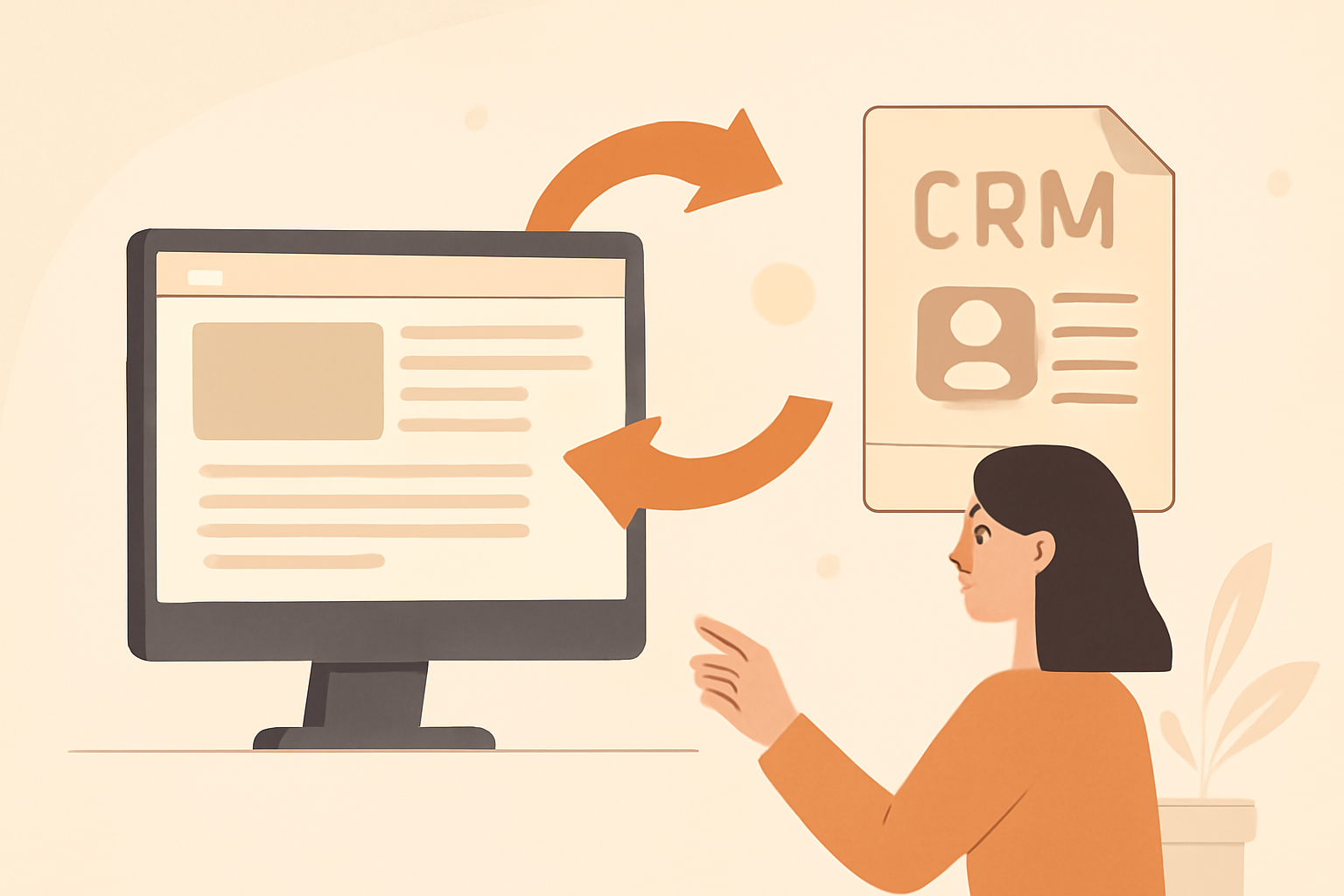
Integrating your blog software with a Customer Relationship Management (CRM) system can streamline your marketing efforts and enhance customer engagement. This process allows you to automate workflows, track customer interactions, and ultimately turn your content into revenue. In this guide, we'll walk you through the exact steps to achieve a successful integration.
Whether you're a seasoned marketer or just starting out, this step-by-step approach will help you understand the essential components and common pitfalls of integrating blog software with your CRM. Let's dive in!
Table of Contents
- Step 1: Choose the Right Blog Software and CRM
- Step 2: Set Up Your Blog Software
- Step 3: Prepare Your CRM for Integration
- Step 4: Use an Integration Tool
- Step 5: Automate Workflows
- Step 6: Test the Integration
- Step 7: Monitor and Optimize
- Common Mistakes to Avoid
- Tools and Resources for Successful Integration
- Conclusion: Take Action Today

Step 1: Choose the Right Blog Software and CRM
The first step in integrating your blog software with a CRM is selecting the right tools that complement each other. Not all blog software integrates seamlessly with every CRM, so research is crucial.
Considerations for Choosing Software
- Compatibility: Ensure the blog software and CRM have integration capabilities.
- User Reviews: Look for feedback on how well the integration works.
- Features: Choose software that aligns with your marketing strategy.
Step 2: Set Up Your Blog Software
Once you've chosen your blog software, it's time to set it up. Follow these steps to ensure it's ready for integration:
- Install the blog software on your website.
- Create a blog post template that aligns with your content strategy.
- Customize settings to match your branding and audience needs.
1. Install the Blog Software on Your Website
Installing your chosen blog software is the first step in establishing a strong online presence. Here's how you can do it:
- Choose a Hosting Provider: Select a reliable hosting service that supports your blog software. Popular options include Bluehost, SiteGround, and WP Engine.
- Domain Name: Ensure you have a domain name that reflects your brand. If you don't have one, most hosting providers offer domain registration services.
- Follow Installation Instructions: Most blog software platforms, like WordPress or Blogger, provide step-by-step installation guides. Follow these closely to avoid any issues.
- Check Requirements: Ensure your server meets the technical requirements for the software, such as PHP version and database support.
Common mistakes during installation include not configuring the database correctly, failing to set file permissions, or overlooking security settings. Make sure to double-check these elements to ensure a smooth setup.
2. Create a Blog Post Template That Aligns with Your Content Strategy
A well-structured blog post template can save you time and ensure consistency across your posts. Here's how to create one:
- Define Your Post Structure: Common elements include a catchy title, introduction, body sections, and a conclusion. Consider adding sections for images, quotes, or call-to-action buttons.
- Incorporate SEO Best Practices: Ensure your template includes fields for keywords, meta descriptions, and alt text for images to enhance your search engine visibility.
- Use Placeholder Text: Include placeholder text in your template to guide writers on what content should go where. This can help maintain a consistent tone and style.
- Test the Template: Before rolling it out, create a few sample posts using the template to ensure it flows well and is visually appealing.
Common pitfalls include creating overly complex templates or neglecting mobile optimization. Always prioritize user experience and readability.
3. Customize Settings to Match Your Branding and Audience Needs
Personalizing your blog software settings is essential for creating a unique brand identity. Here's how to effectively customize your blog:
- Choose a Theme: Select a theme that resonates with your brand's personality. Ensure it's responsive and visually appealing on all devices.
- Set Up Branding Elements: Customize your logo, color scheme, and typography to align with your brand identity. Consistency across these elements builds recognition.
- Adjust User Settings: Configure user roles and permissions if you have multiple contributors. This ensures that everyone has the appropriate access level.
- Enable Comments and Social Sharing: Engage your audience by allowing comments and integrating social media sharing buttons. This encourages interaction and can boost traffic.
Be cautious of over-customizing; too many plugins or features can slow down your site. Focus on essential tools that enhance functionality without compromising speed.
By following these steps, you'll have a well-set-up blog software that is ready for seamless integration with your CRM, paving the way for effective content management and audience engagement.
Step 3: Prepare Your CRM for Integration
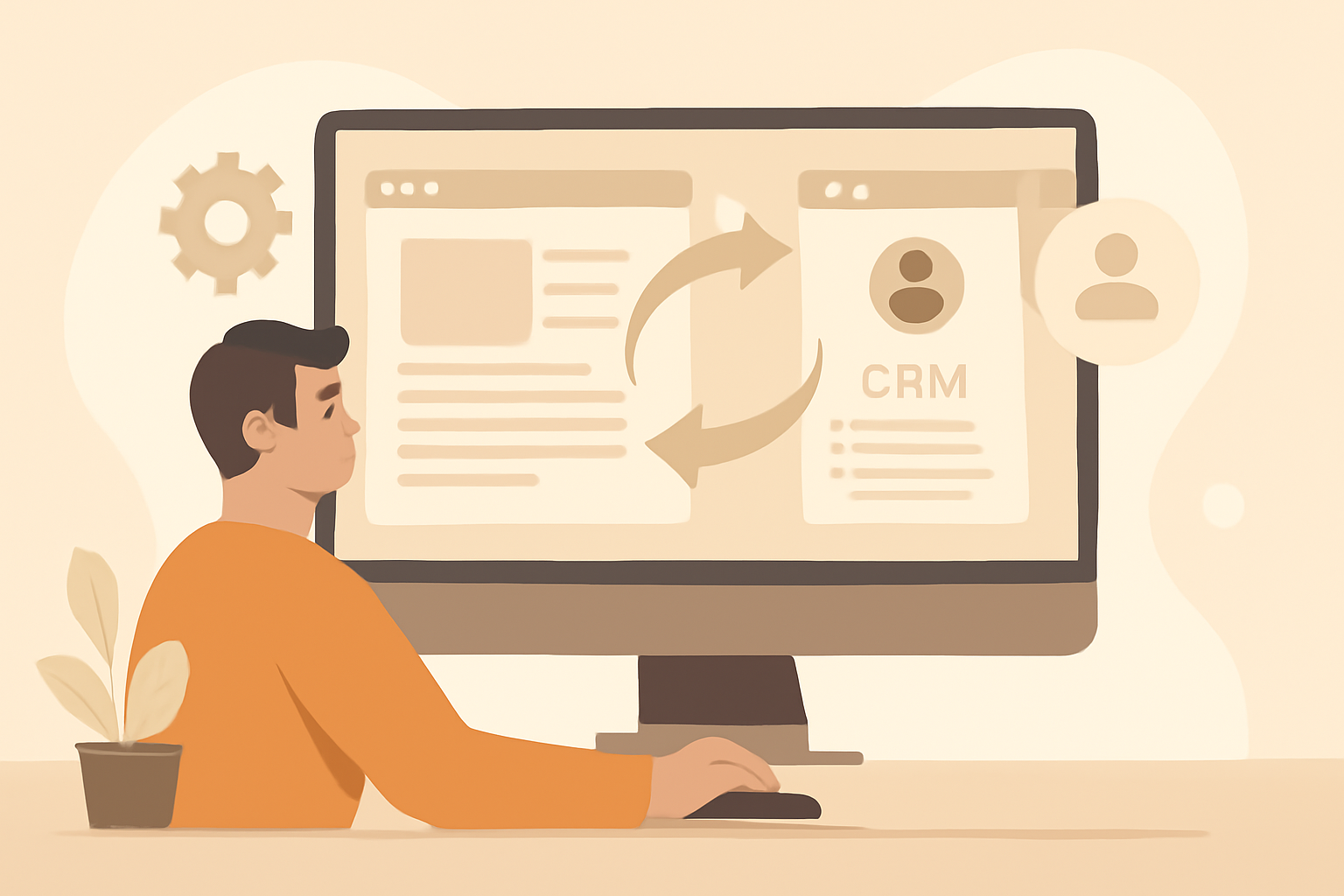
Next, you need to prepare your CRM for the integration. This step is crucial as it sets the groundwork for how your blog data will be stored and utilized. A well-prepared CRM can enhance your marketing efforts by ensuring that you capture all relevant information seamlessly.
Data Management
Ensure that your CRM has the necessary fields to capture data from your blog. This may include:
- Contact information
- Engagement metrics
- Lead source tracking
To effectively manage this data, follow these steps:
- Audit Existing Fields: Review your current CRM setup to identify existing fields. Check if they align with the data you plan to collect from your blog. If you find gaps, note them down for future adjustments.
- Create Custom Fields: Based on your audit, create custom fields in your CRM to capture specific blog-related data. For example, you might want to add fields for blog post titles, URLs, and categories to better analyze which content drives traffic.
- Data Mapping: Map out how data from your blog will correspond to the fields in your CRM. This means determining what blog data will populate which CRM fields. For instance, if a user subscribes to your newsletter via a blog post, ensure their email address goes into the correct contact field.
- Set Up Tags or Labels: Implement a tagging system to categorize leads based on their blog interactions. For example, you could tag leads as "Blog Subscriber" or "Engaged Reader" to easily segment your audience later.
Integration Testing
Before fully integrating your blog with the CRM, conduct thorough testing to ensure everything works as expected:
- Test Data Flow: Run a test integration to see if data from your blog correctly populates in your CRM. Check if all fields are filled accurately and that no data is lost in the process.
- Verify Engagement Tracking: Confirm that engagement metrics, such as page views or time spent on page, are being recorded properly. This will help you understand which blog posts resonate most with your audience.
- Check Lead Source Tracking: Ensure that leads generated from your blog are tagged correctly to reflect their source. This will enable you to analyze the effectiveness of your blog in driving conversions.
Common Mistakes to Avoid
As you prepare your CRM for integration, be mindful of these common pitfalls:
- Neglecting Data Privacy: Always ensure that your data collection practices comply with relevant laws and regulations, such as GDPR or CCPA. Inform users about how their data will be used.
- Overcomplicating Data Fields: Avoid creating too many custom fields that may confuse your team. Focus on collecting essential data that provides actionable insights.
- Skipping Documentation: Document your integration process and data mapping decisions. This will be invaluable for troubleshooting and future updates.
By properly preparing your CRM, you set a solid foundation for a successful integration that enhances your marketing and sales efforts. This preparation not only streamlines data management but also helps you leverage the insights gained from your blog to drive revenue effectively.
Step 4: Use an Integration Tool
To connect your blog software with your CRM, using an integration tool can save you time and effort. Look for tools that support seamless integration between your chosen software. These tools can help automate data transfer, manage leads, and streamline your marketing efforts, making it easier to focus on content creation and audience engagement.
Recommended Integration Tools
- Zapier: Great for automating tasks between apps. With Zapier, you can create "Zaps" that trigger actions in your CRM whenever a new blog post is published. For example, you can automatically add new subscribers to your CRM whenever they sign up through your blog's newsletter form.
- Integromat: Offers advanced multi-step integrations. Integromat allows you to build complex workflows that can include multiple applications. For instance, you can set it up to not only update your CRM when a new blog post is published but also to share that post on social media and send a notification email to your subscribers.
- Custom API: For businesses that require tailored integration solutions. If your blog software and CRM have robust APIs, you can hire a developer to create a custom integration that meets your specific needs. This option is ideal for businesses with unique workflows or those that need to connect multiple systems beyond just the blog and CRM.
Steps to Set Up Your Integration Tool
- Choose the Right Tool: Assess your business needs and choose an integration tool that aligns with your objectives. Consider factors like ease of use, compatibility with your existing software, and the complexity of the integrations you require.
- Create Accounts: Sign up for the integration tool of your choice. Most tools offer free trials, so take advantage of this to test their capabilities.
- Connect Your Apps: Follow the tool's instructions to connect your blog software and CRM. This usually involves authenticating both accounts and granting the necessary permissions for data sharing.
- Set Up Triggers and Actions: Define what events in your blog should trigger actions in your CRM. For example, you might want to create a new contact in your CRM whenever a user fills out a form on your blog.
- Test Your Integration: Before fully implementing the integration, run tests to ensure everything works as expected. Check that data is flowing correctly between your blog and CRM and that actions are being triggered as intended.
- Monitor and Optimize: After successful implementation, regularly monitor the integration's performance. Look for any errors or issues and make adjustments as necessary to optimize the process.
Common Mistakes to Avoid
- Neglecting to Test: Always test your integrations before relying on them for business operations. Failing to do so may result in lost leads or incorrect data entries.
- Overcomplicating Workflows: While it's tempting to create complex workflows, keep them as simple as possible to avoid confusion and errors. Focus on the most critical tasks that will benefit your business.
- Ignoring User Permissions: Ensure that you set appropriate permissions for your team members who will be accessing the integrated tools. This helps maintain data security and privacy.
- Failing to Update Integrations: As your business evolves, your integration needs may change. Regularly review and update your integrations to ensure they continue to meet your requirements.
By effectively using an integration tool, you can significantly enhance your workflow, streamline your processes, and improve the overall efficiency of your marketing efforts. This not only saves time but also allows you to focus on generating quality content and nurturing your audience.
Step 5: Automate Workflows
Once the integration is complete, it's time to automate workflows. This means setting up triggers and actions that will keep your CRM updated with blog activity. Automation not only saves time but also ensures that your marketing efforts are timely and relevant, enhancing your engagement with potential customers.
By automating workflows, you can streamline processes, reduce manual data entry, and ensure that your team has access to the latest information about your blog's audience and their interactions. Here's how to effectively set up these automations.
Common Automation Scenarios
- Automatically add new blog subscribers to your CRM.
- Track blog engagement metrics in your CRM dashboard.
- Send follow-up emails based on blog interactions.
Setting Up Automations: A Step-by-Step Guide
To effectively automate your workflows, follow these steps:
- Identify Key Triggers: Determine what actions on your blog should trigger updates in your CRM. Common triggers include:
- New subscriber sign-ups.
- Comments on blog posts.
- Shares of blog content on social media.
- Download of gated content (e.g., eBooks, whitepapers).
- Zapier: Connects various apps and automates workflows.
- Integromat: Allows for more complex automation scenarios.
- Native integrations: Check if your CRM or blog software has built-in automation features.
- When a new subscriber signs up, add their details to a specific list in your CRM.
- When a blog post receives a comment, notify the sales team to follow up with the commenter.
- When a user downloads a resource, tag them in the CRM for targeted marketing campaigns.
- If the correct data is being pulled from your blog.
- If the actions in your CRM are being executed accurately.
- If notifications are sent to the right team members.
- Any discrepancies in data transfer.
- Engagement metrics to see if the automations are effective.
- Feedback from your team on the usefulness of the information being generated.
Examples of Effective Automations
Here are some practical examples of how automating workflows can enhance your CRM's functionality:
- New Subscriber Welcome Series: Automatically send a welcome email series to new subscribers, introducing them to your brand and highlighting popular blog posts.
- Engagement Tracking: Create a dashboard in your CRM that displays metrics like blog views, time spent on pages, and interaction rates, allowing your team to tailor their outreach strategies.
- Segmenting Your Audience: Use blog interaction data to segment your audience based on interests or behaviors, enabling more personalized marketing efforts.
Common Mistakes to Avoid
While setting up automations, be mindful of these common pitfalls:
- Over-Automation: Automating too many processes can lead to a lack of personal touch. Ensure that human interaction is still a part of your strategy.
- Ignoring Data Privacy: Always comply with data protection regulations (like GDPR) when collecting and processing subscriber information.
- Neglecting Regular Updates: As your blog and CRM evolve, revisit your automations to ensure they remain relevant and effective.
By following these steps and considering these examples, you can create a robust system that not only keeps your CRM updated but also enhances your overall marketing strategy. Automation is a powerful way to ensure that your blog's activity translates into meaningful engagement and revenue opportunities.
Step 6: Test the Integration
Before fully committing to the integration, it's essential to test it. Run through various scenarios to ensure that data flows smoothly between the blog software and the CRM.
Testing Checklist
- Verify data accuracy: Check if the information from your blog is correctly captured in the CRM.
- Monitor real-time updates: Ensure that changes in the blog reflect in the CRM without delays.
- Check for errors: Identify and resolve any issues that arise during testing.
Step 7: Monitor and Optimize
After the integration is live, ongoing monitoring and optimization are necessary to maximize the benefits. Regularly review performance metrics and adjust your strategies accordingly.
Key Metrics to Monitor
- Website traffic solutions: Track how your blog influences traffic to your site.
- Lead conversion rates: Analyze how blog engagement translates into leads.
- Content performance: Use a content optimization platform to assess which posts perform best.
Common Mistakes to Avoid
While integrating blog software with a CRM, it's easy to make mistakes that can hinder your efforts. Here are a few common pitfalls to avoid:
- Neglecting Data Privacy: Ensure that your integration complies with data protection regulations.
- Skipping the Testing Phase: Always test before going live to catch potential issues.
- Failing to Update: Keep your software updated to avoid compatibility issues.
Tools and Resources for Successful Integration
To ensure a smooth integration process, consider utilizing tools that simplify the task. Here are a few resources to assist you:
- AI SEO content generator: Use this tool to create optimized content that drives traffic.
- Documentation and Support: Leverage the support offered by your blog software and CRM for troubleshooting.
- Community Forums: Engage with other users to share experiences and solutions.
Conclusion: Take Action Today
Integrating your blog software with a CRM can significantly enhance your marketing efforts and customer engagement. Start by selecting the right tools, setting them up, and following the steps outlined in this guide. Don't forget to monitor and optimize your integration regularly for the best results. Now, go ahead and take the first step towards a more efficient marketing strategy!
Steps to Get Started
To successfully integrate your blog software with a CRM, follow these structured steps:
- Identify Your Goals: Determine what you want to achieve with the integration. Common goals include improving lead tracking, enhancing customer segmentation, and automating marketing campaigns.
- Choose the Right Tools: Research and select a blog software and CRM that are compatible and meet your business needs. Consider factors such as user interface, features, and pricing.
- Set Up Your Blog Software: Ensure your blog is configured properly. This may involve setting up categories, tags, and other organizational tools that will facilitate data collection.
- Configure Your CRM: Input your existing customer data into the CRM. Set up fields that correspond with the data collected from your blog, such as email addresses and engagement metrics.
- Connect the Tools: Use API integrations or plugins to link your blog software with your CRM. Follow the specific instructions provided by each tool for a smooth connection.
- Test the Integration: Run tests to ensure data flows seamlessly between your blog and CRM. Check for any discrepancies and fix them before going live.
- Train Your Team: Make sure your team understands how to use the integrated system. Provide training sessions or resources to help them adapt to the new technology.
- Monitor and Optimize: Regularly review the integration's performance. Use analytics to track engagement and conversion rates, and adjust your strategies as needed.
Common Mistakes to Avoid
When integrating your blog software with a CRM, be mindful of these common pitfalls:
- Neglecting Data Quality: Ensure that the data you transfer is accurate and up-to-date. Poor data quality can lead to ineffective marketing efforts.
- Overcomplicating the Process: Keep the integration simple. Adding unnecessary features can complicate user experience and lead to confusion.
- Ignoring User Training: Failing to train your team can result in underutilization of the tools. Make sure everyone is comfortable with the new system.
- Forgetting to Monitor: Regular monitoring is crucial. Without it, you may miss opportunities for optimization and improvement.
Examples of Successful Integrations
Here are a few examples of businesses that successfully integrated their blog software with a CRM:
- Online Retailer: An e-commerce store integrated its blog with a CRM to track customer interactions. By analyzing blog engagement, they tailored their email marketing campaigns, resulting in a 30% increase in sales.
- Service Provider: A consulting firm used a CRM to segment leads based on blog content they interacted with. This allowed them to personalize follow-up communications, leading to a higher conversion rate.
- Non-Profit Organization: A charity integrated their blog with a CRM to manage donor relationships. They used insights from blog engagement to create targeted fundraising campaigns, significantly boosting donations.
By following these steps, avoiding common mistakes, and learning from successful integrations, you can effectively integrate your blog software with a CRM and take your marketing strategy to the next level. Remember, the key to success lies in continuous monitoring and optimization-so take action today!
Want to get free traffic from Google & ChatGPT? Click the button to learn more about how we can do that for you on autopilot!
Learn More